Role
Interface Design, Product Strategy, Design System
Team
Working with PM, Head of design, UX Writer, Graphic Designer and the C-Level
Time
April 2020 – August 2020
Have a math problem?
I designed an AI-powered “automated doubt-solving” and interactive class learning feature to help students study in the COVID-19 situation. Today, Colearn is one of Indonesia’s fastest-growing education technology companies, used by more than 2,5 million students. In 2020, Google Play selected Colearn as the best app category for personal growth.
Problem Space
Colearn is an EdTech company that uses AI technology to help students understand math problems.
Colearn started the business by collaborating with the offline tuition center to escalate Indonesia’s education. Unfortunately, the offline tuition model has many challenges, like cost and time, which are only accessible to some students. Besides that, everything offline has become inefficient and scary because of COVID-19.
As a Product Designer, I help Colearn transform its business from a tuition center platform to an automated and scalable learning tool in Indonesia.
Think
One of the challenges to transform the business is we only have a limited time. I collaborate with the Customer Insight team to validate the early-stage changes to save time.
We start by doing 1:1 interviews online with some students from various Indonesian cities. The goal is to understand how their learning experiences so far.
Through the interview, we found three main points:
- The student has a problem finding the trusted resources to understand math lessons.
- The student has trouble finding a high-quality teacher to improve overall academic outcomes.
- The student has a problem practicing their skills because the available exam questions are limited.
Explore
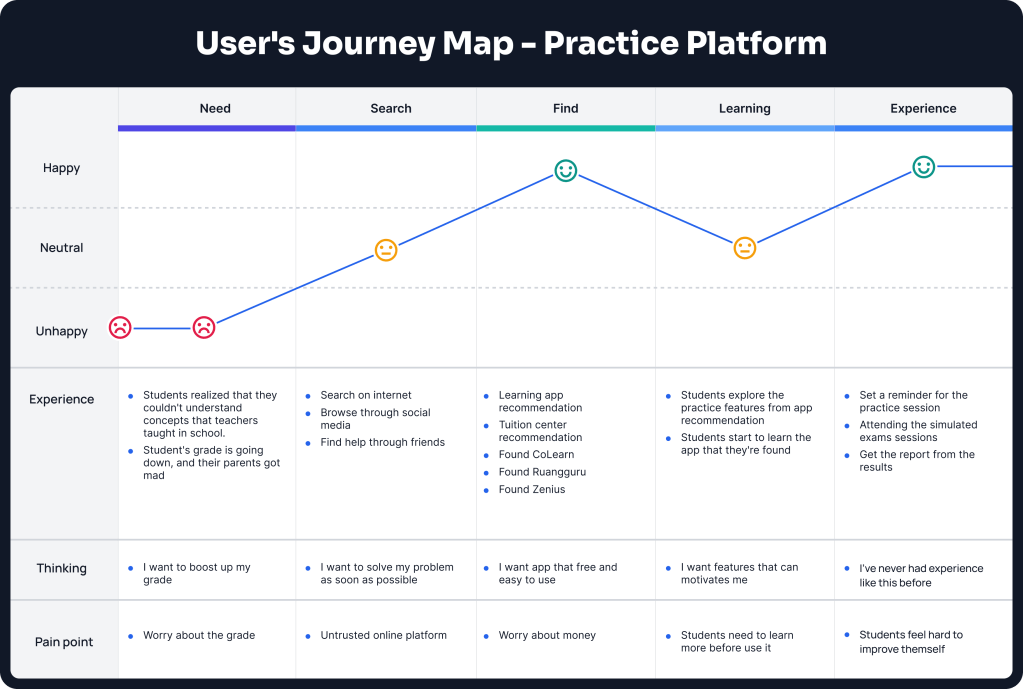
We try to explore the problem by creating a customer journey. We defined how the student will interact with the Colearn.
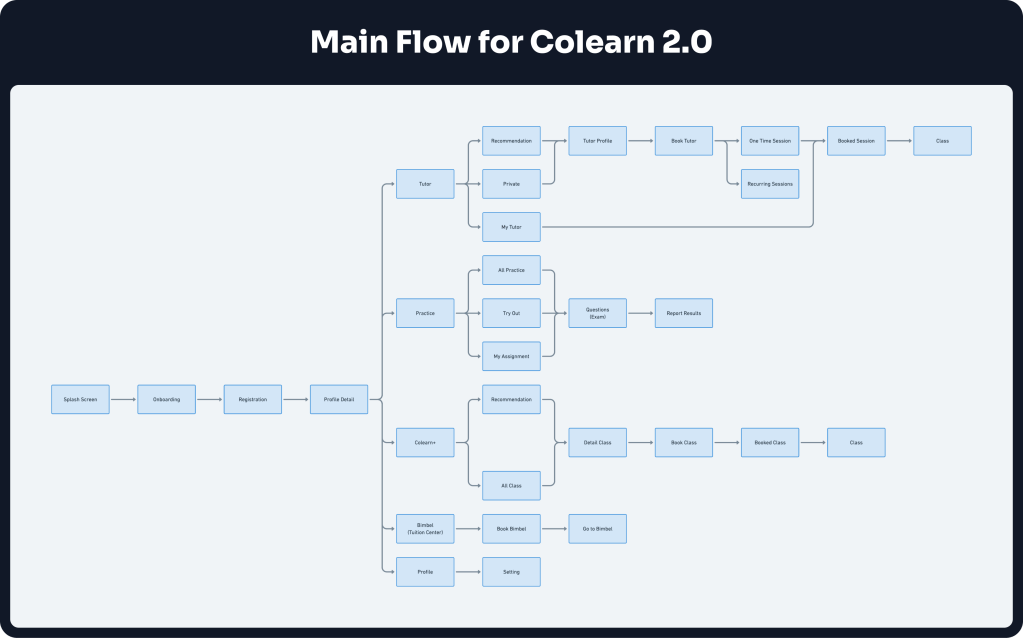
We convert to a main flow from the customer journey then create the wireframe to confirm the idea. In this stage, we decide to make four main features:
🔍 Three main insights
Tutor (Tutor finder feature)
Students can find and ask teachers when they have difficulty learning.
Bimbel
Students can find nearby tuition centers and join for long-term learning. It will give deeper understanding instead of only learn when they have difficulty.
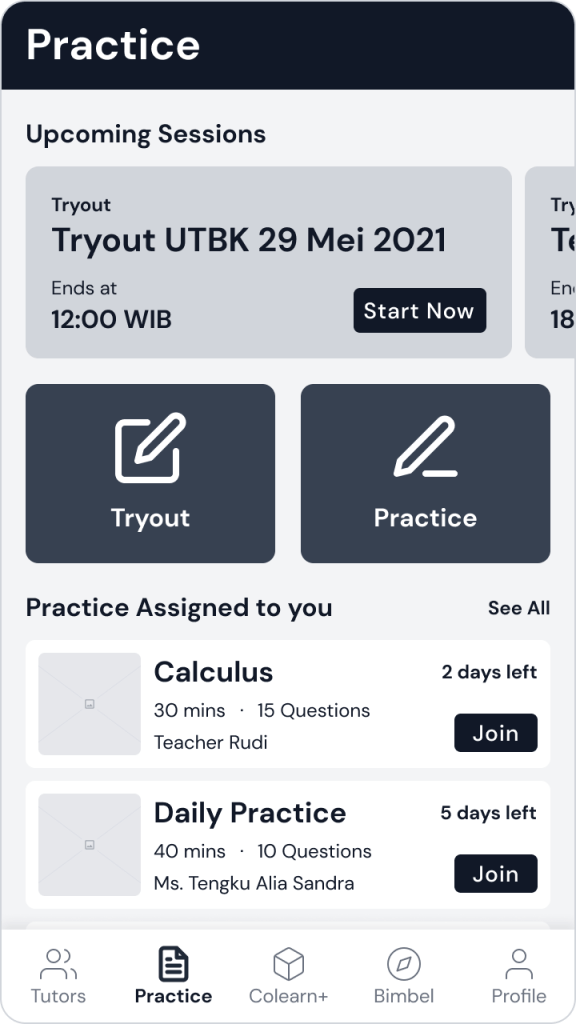
Practice
Students can practice answering exam questions to improve their skills at any time.
Colearn+
Students can learn from inspirational people, so the student can have a role model to dream.
Build
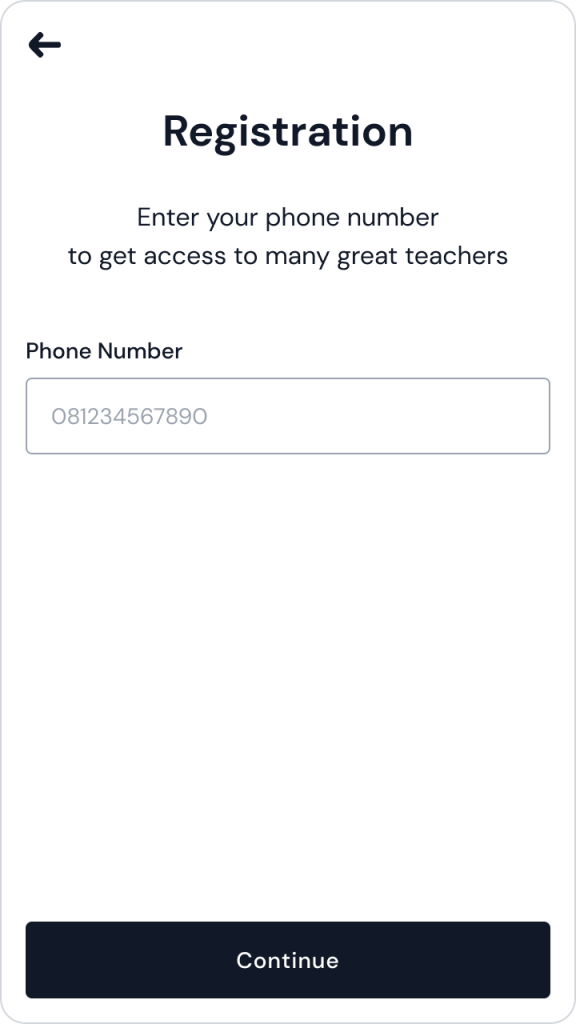
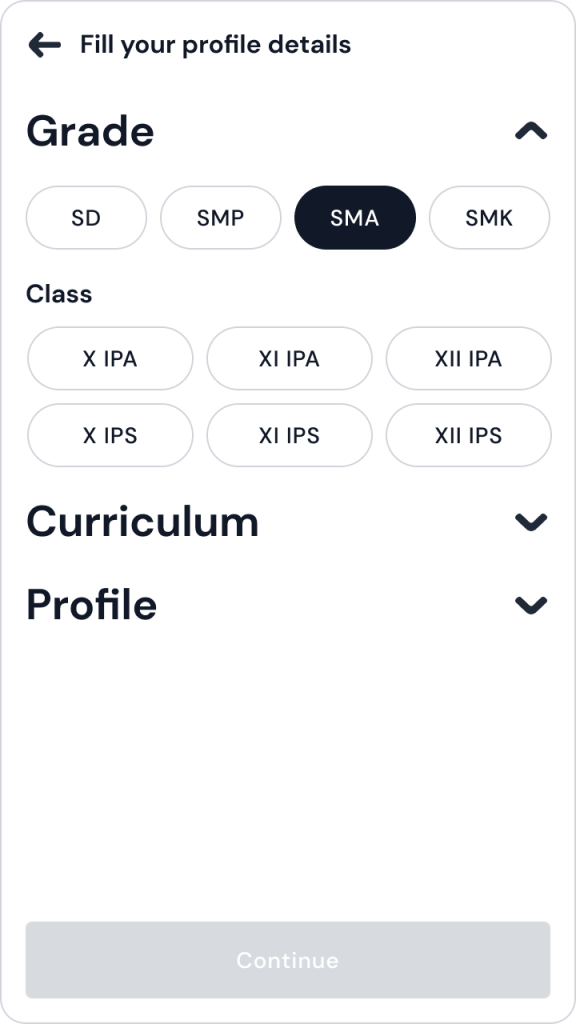
We create the wireframe base on the main flow that we make before. We try to confirm our hypothesis: Are the student problems solved by those features or not.
To start, we research with some students to test our wireframe. We hypothesize that students will not go to the tuition center anymore. So, we do A/B testing by creating two versions of the prototype; With the Bimbel feature and Without the Bimbel part.

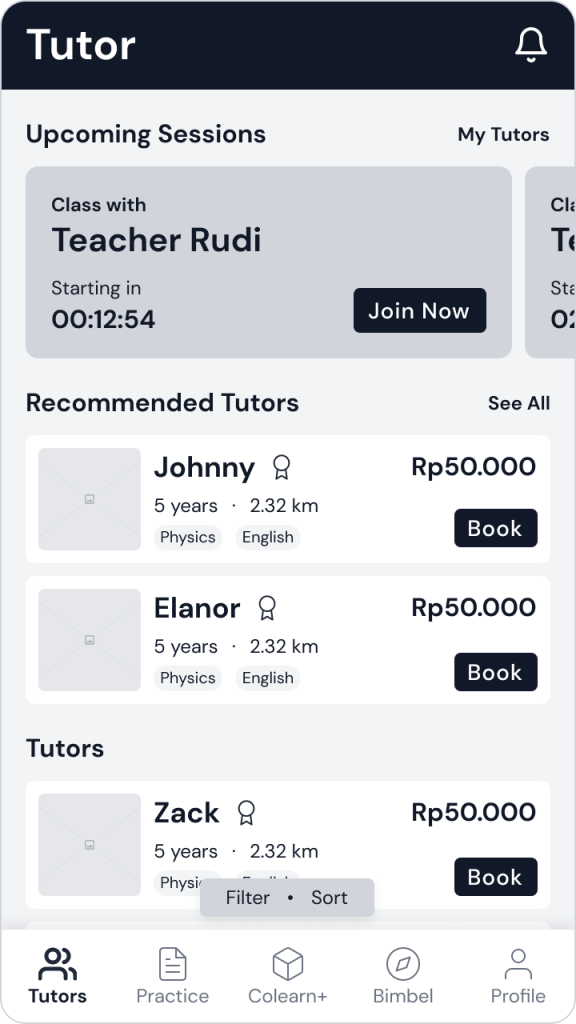
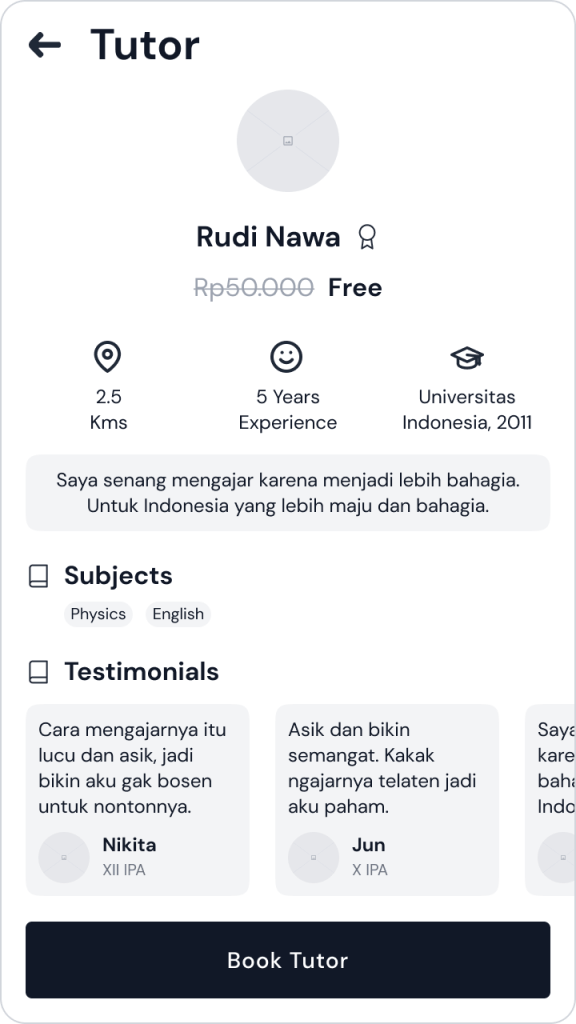
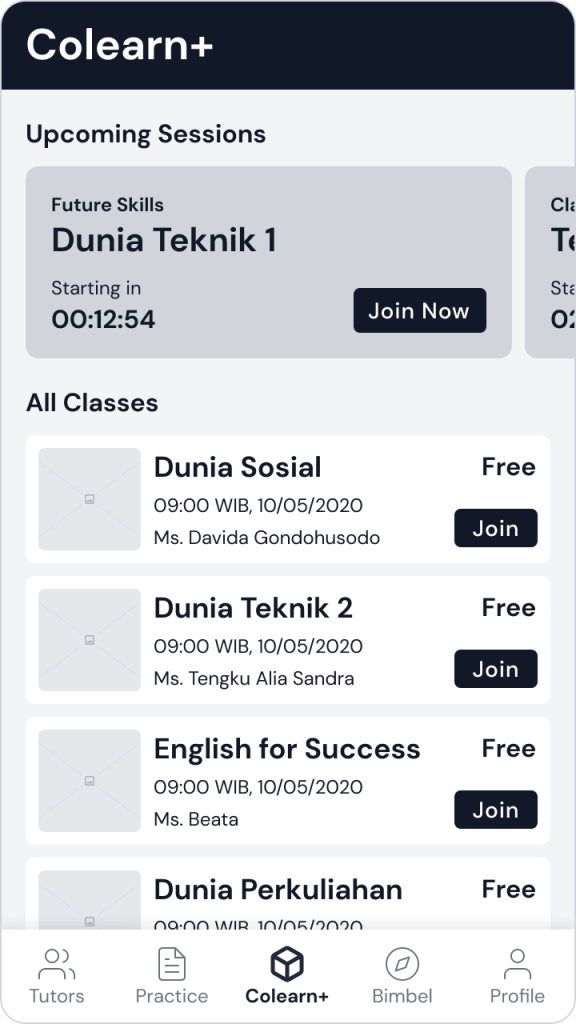
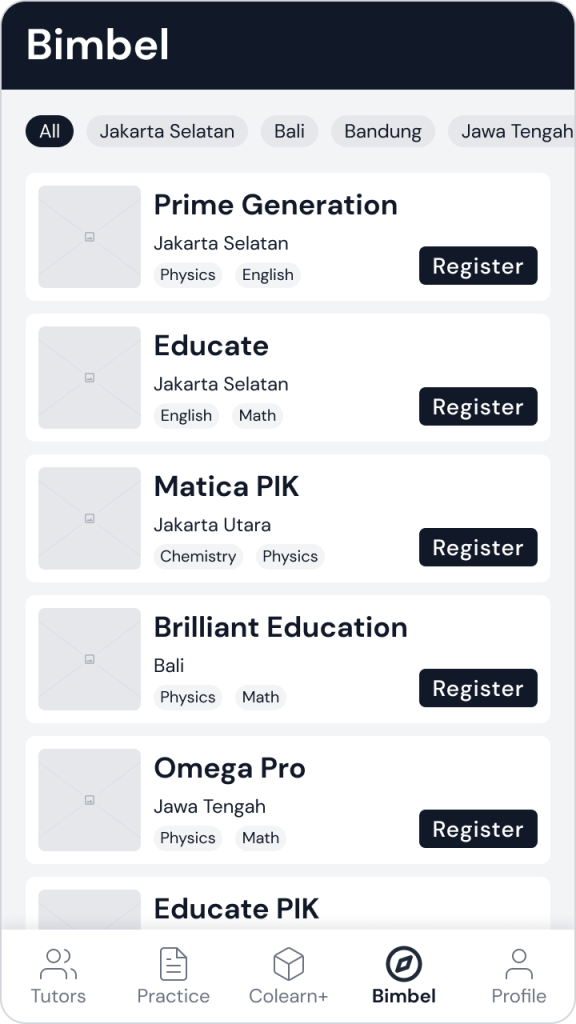
The research results are pretty surprising to us. Some of the features we explored before didn’t meet student needs. Here is the insight:
- Most of them are not interested in going to a tuition center. But they need long-term learning to understand more.
- It’s complicated to ask several questions because we need to book the teacher then ask the schedule first. Even though students need to solve the problem as soon as possible, in an instant way.
- It’s quite a lot of role models to get inspired, for example, from YouTube. So, we are not focusing on this part for now.
From those insights, we’re thinking of merging and change some features. We come up with three main parts:
🎛 Three main feature
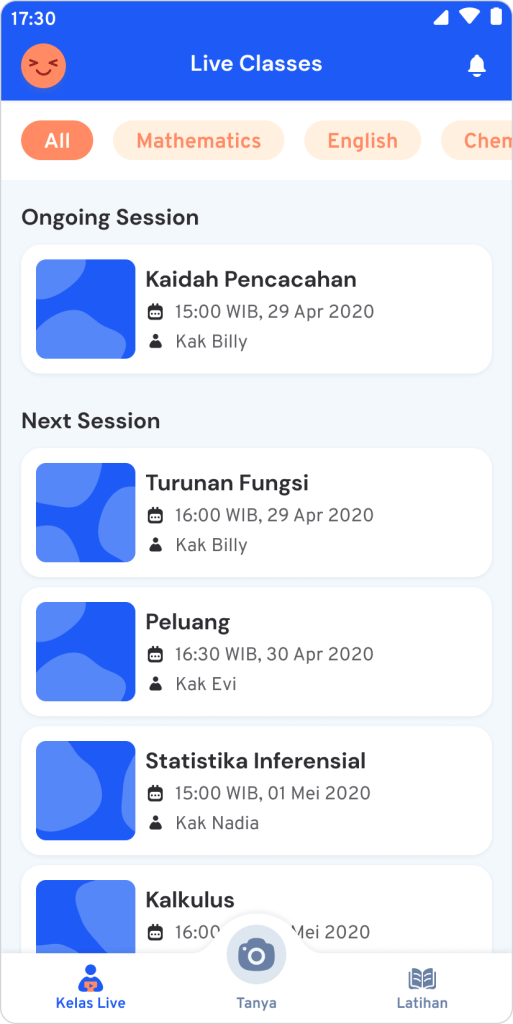
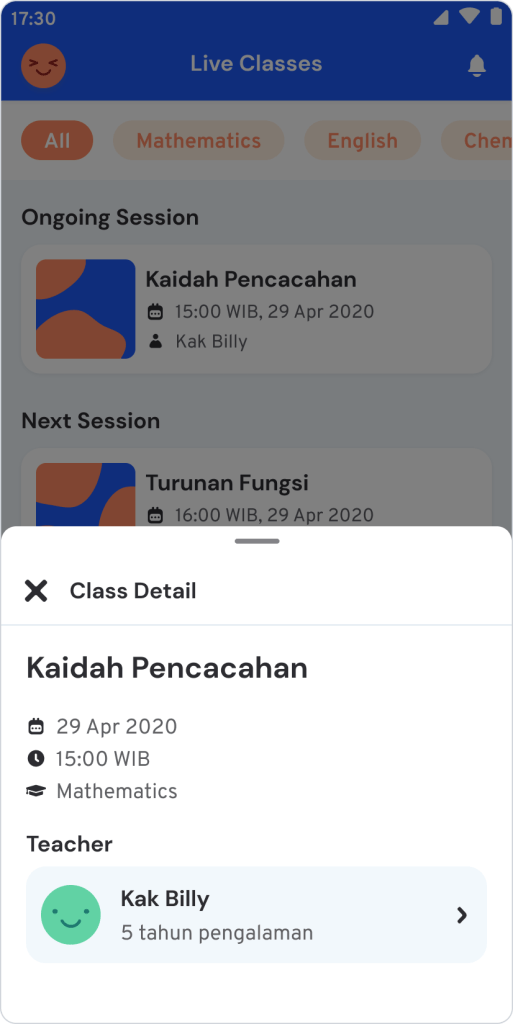
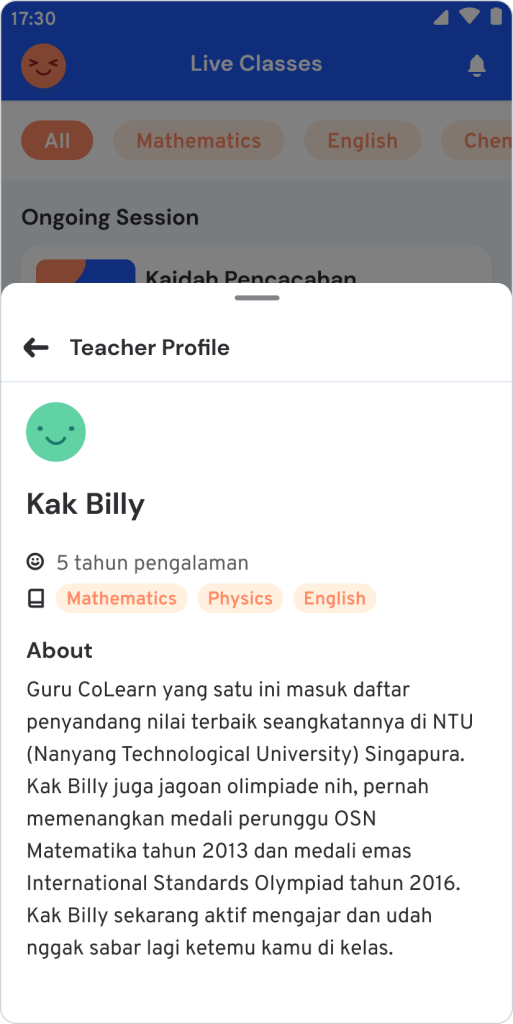
Live Class
Students can join interactive live classes for long-term learning. It will give the student a deeper understanding. The Live Class is only limited to a small group to provide a personal experience.
Ask(automated doubt solving)
Students can solve the problem by taking a photo. This one is our main feature to support students learning math subjects.
Practice
Students can practice answering exam questions to improve their skills at any time.
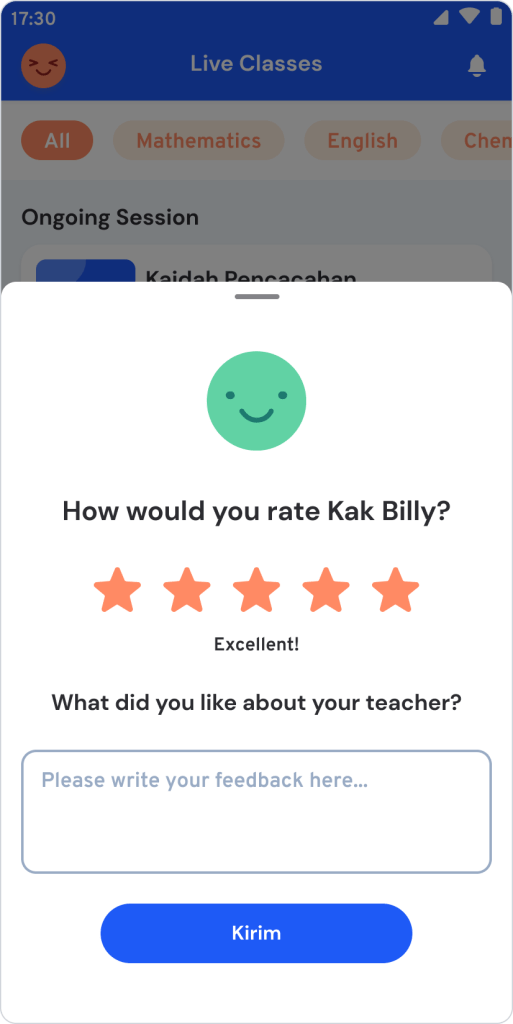
Live Class
Learn concepts, practice together, and prepare for exams in a live and interactive class.
Live classes are designed to increase self-confidence to understand concepts. Teachers will teach live and interactively.
This aims to make it easier for students to understand the concepts, practice questions, and prepare for exams.
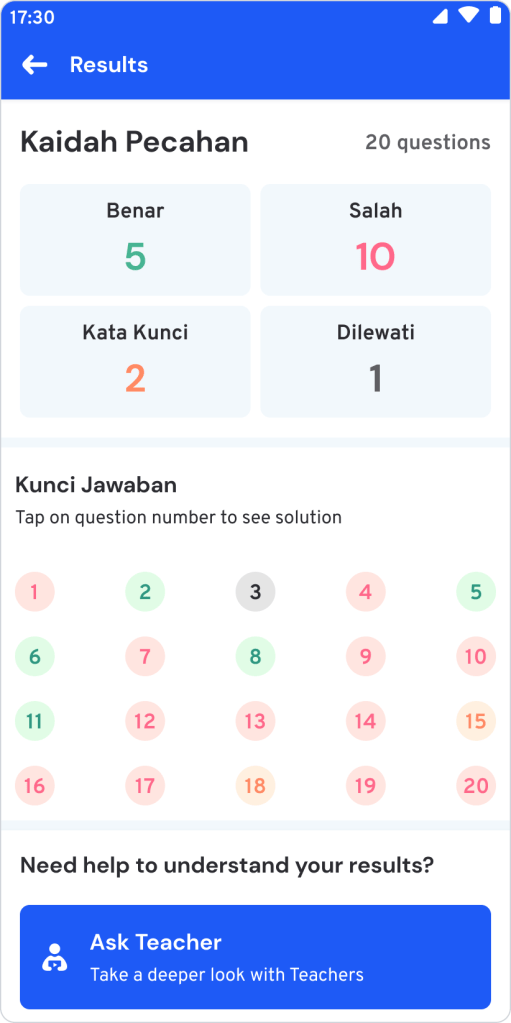
Practice
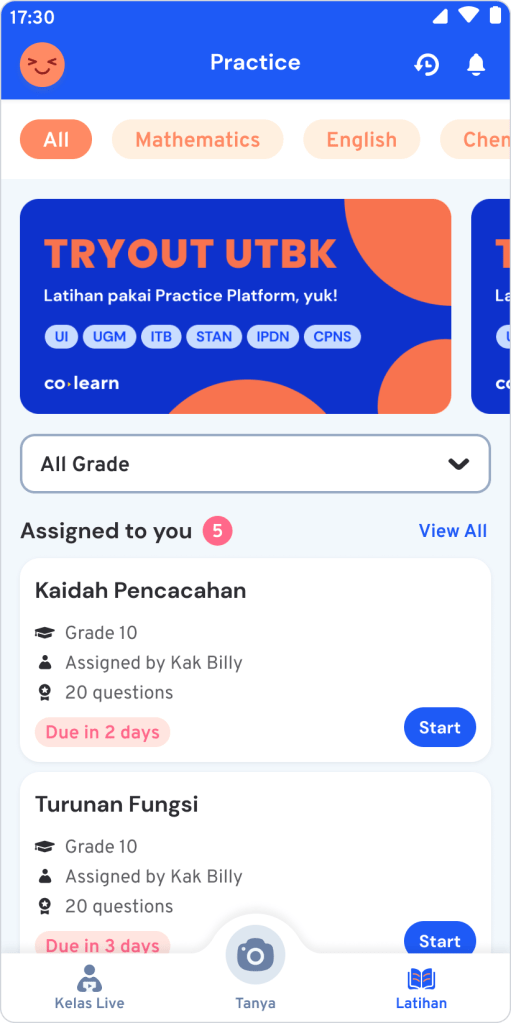
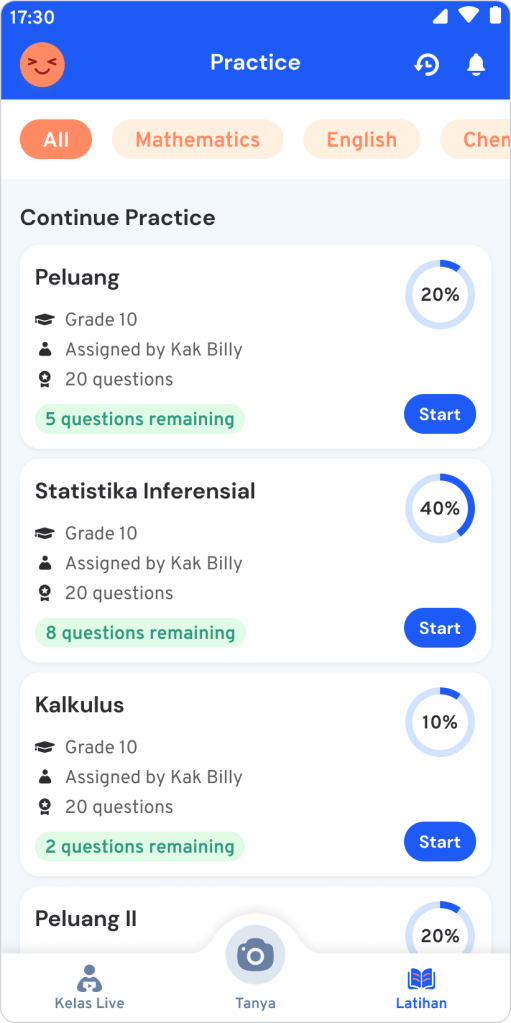
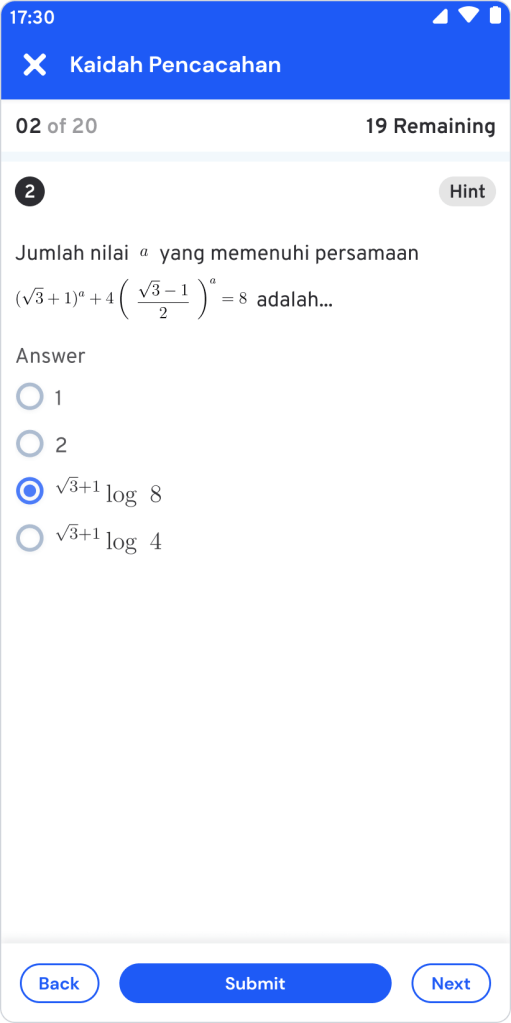
Prepare for the exams by practice answer the questions from various subjects.
The Practice feature is designed to improve students’ skills in answering questions from various subjects to understand them better.
Students can exercise themself to answer simulated exams like the original. After finish it, they will immediately receive the report to understand where to improve.
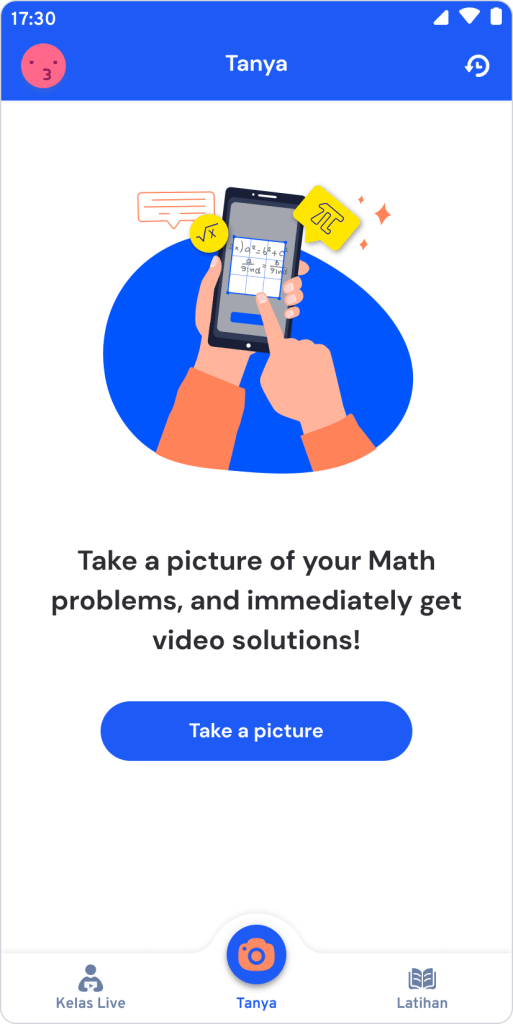
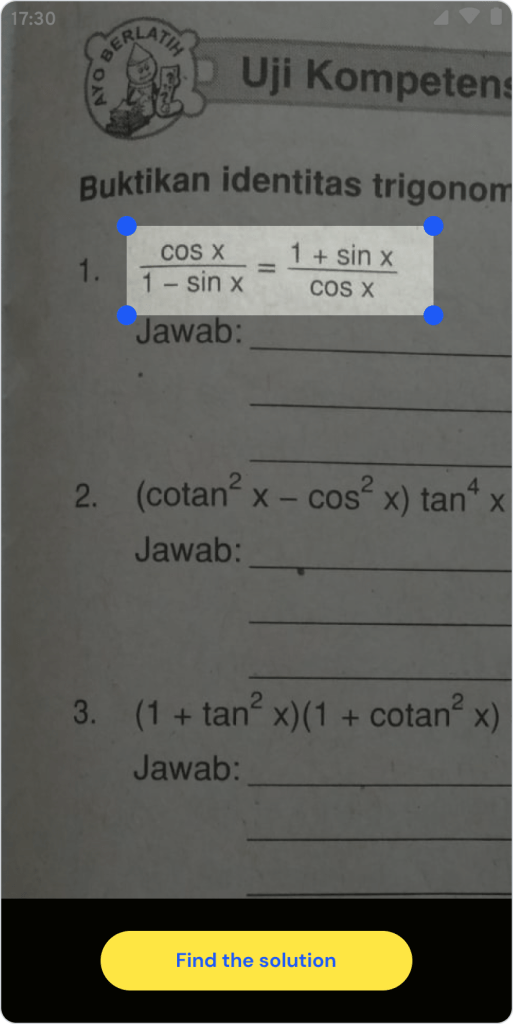
Ask(automated doubt solving)
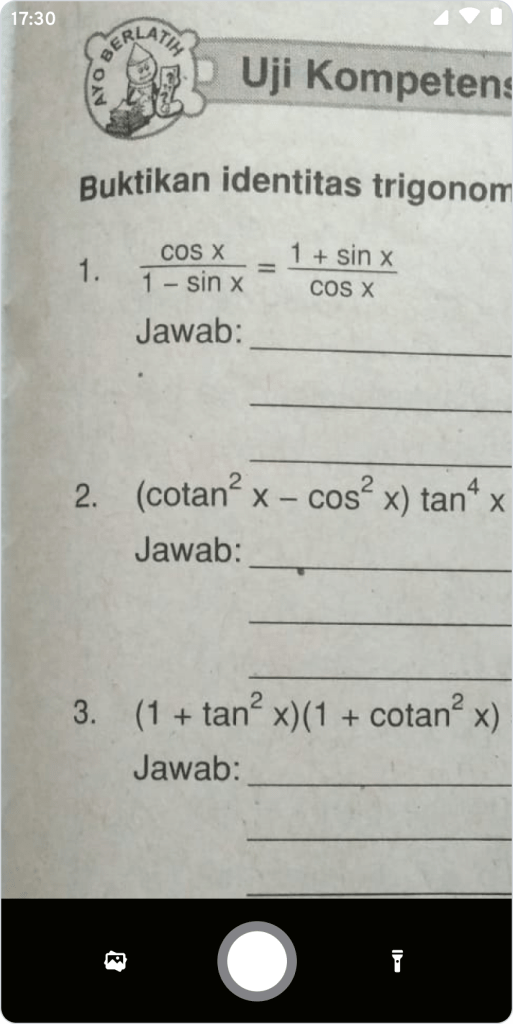
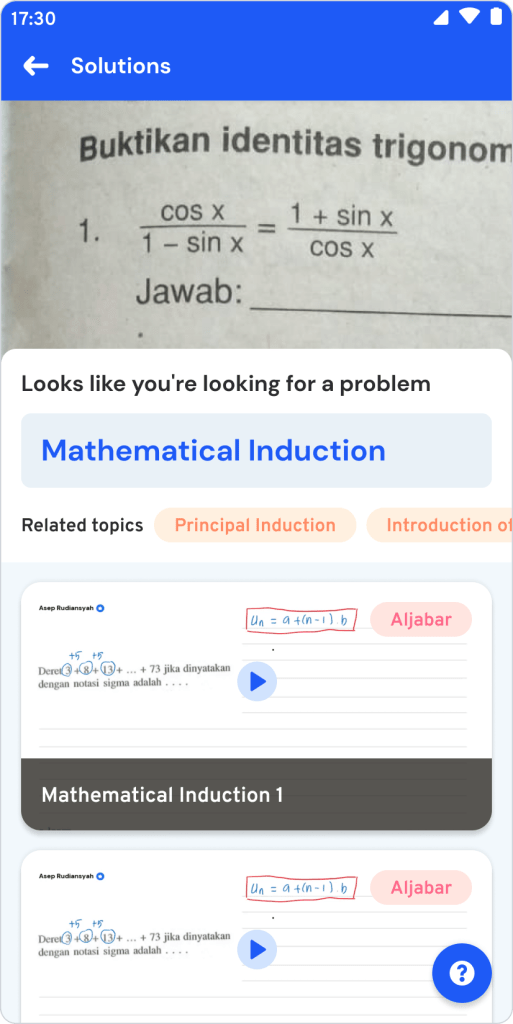
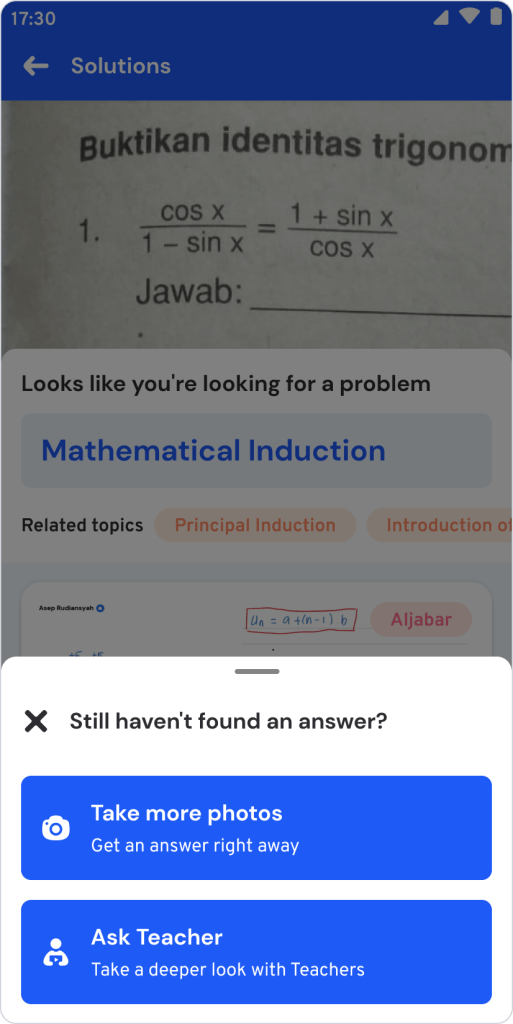
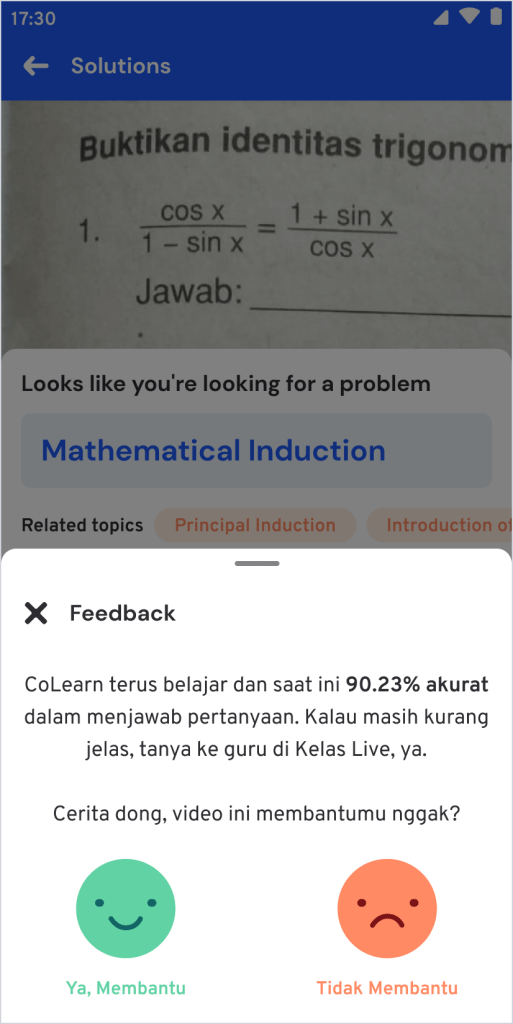
Get step-by-step video solutions to your math problems instantly.
The Ask feature is designed to make it easier for students to learn from their difficulties. So that students can understand concepts deeper and quickly.
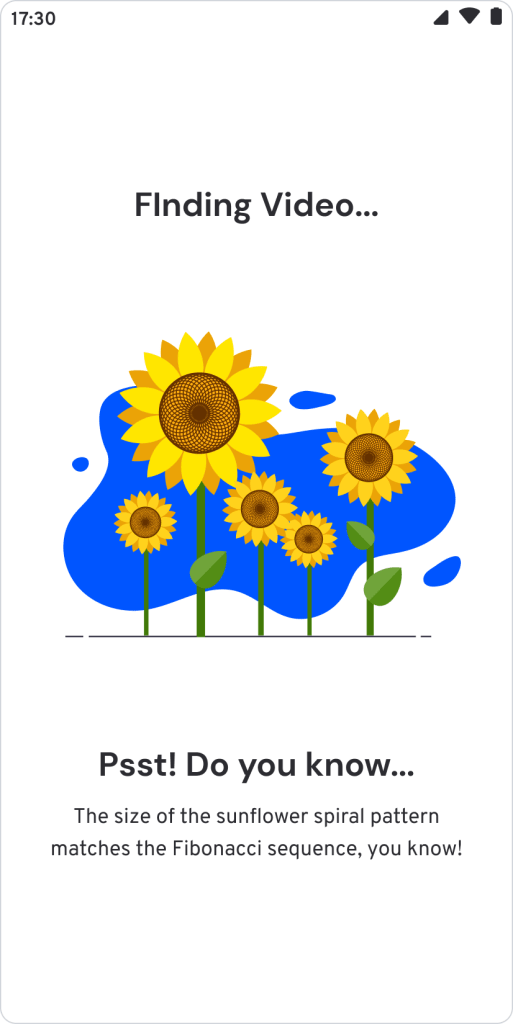
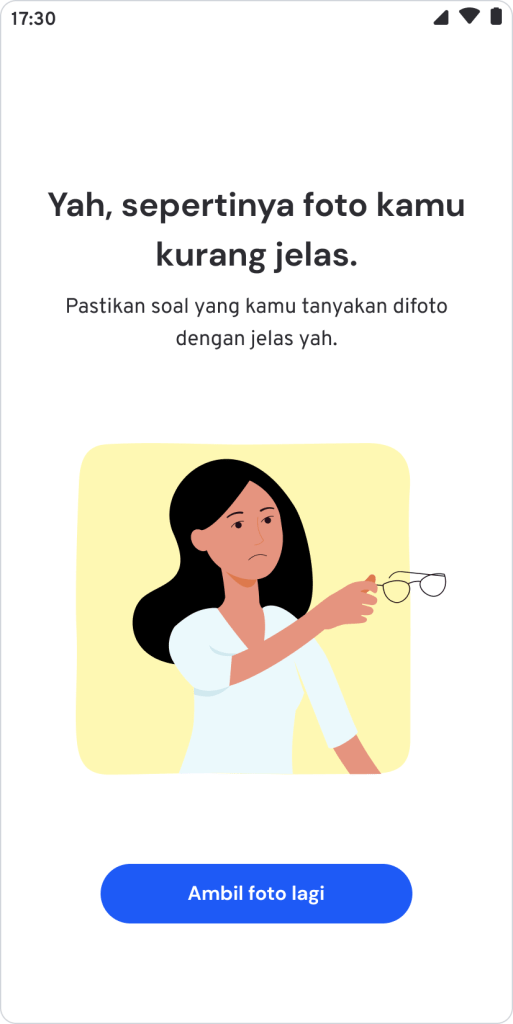
Students only need to take a photo of the question they don’t understand. Colearn will answer the questions automatically by providing video solutions. This feature is built using image recognition and natural language processing technology.
Design System
Creating a cohesive and scalable design system.
We created a design system to establish consistency and speed up the design and development process. We set out to create a design system that’s simple, clear, and visually fun for the student.
We start to define a foundation like colors, typography, elevation, icon, and grid. As a foundation, we describe making it easy to use across platforms like Web, iOS, and Android. Accordingly, the team can build a faster and more accessible interface.
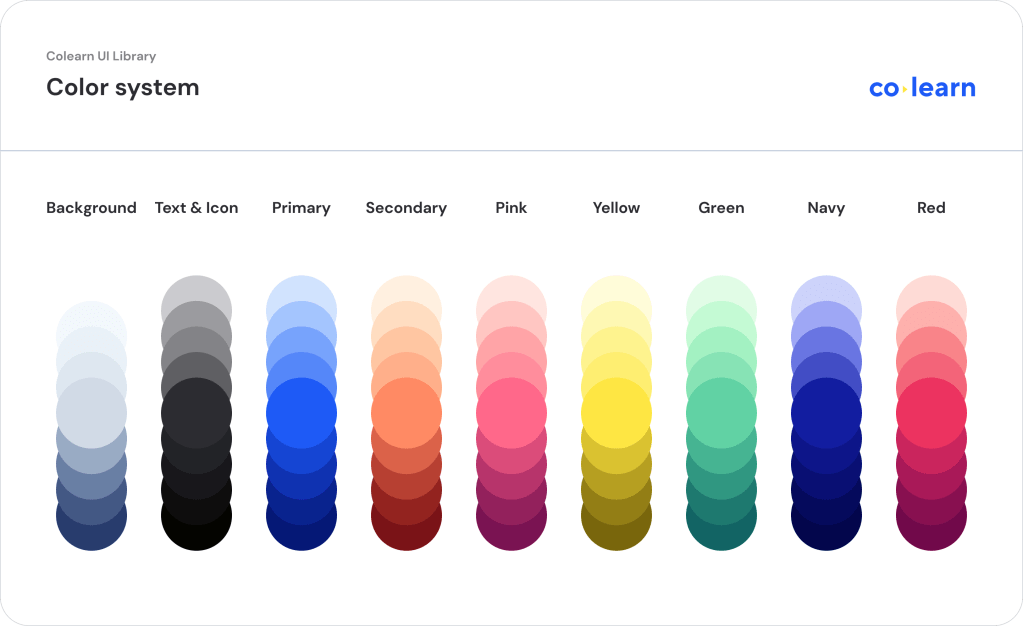
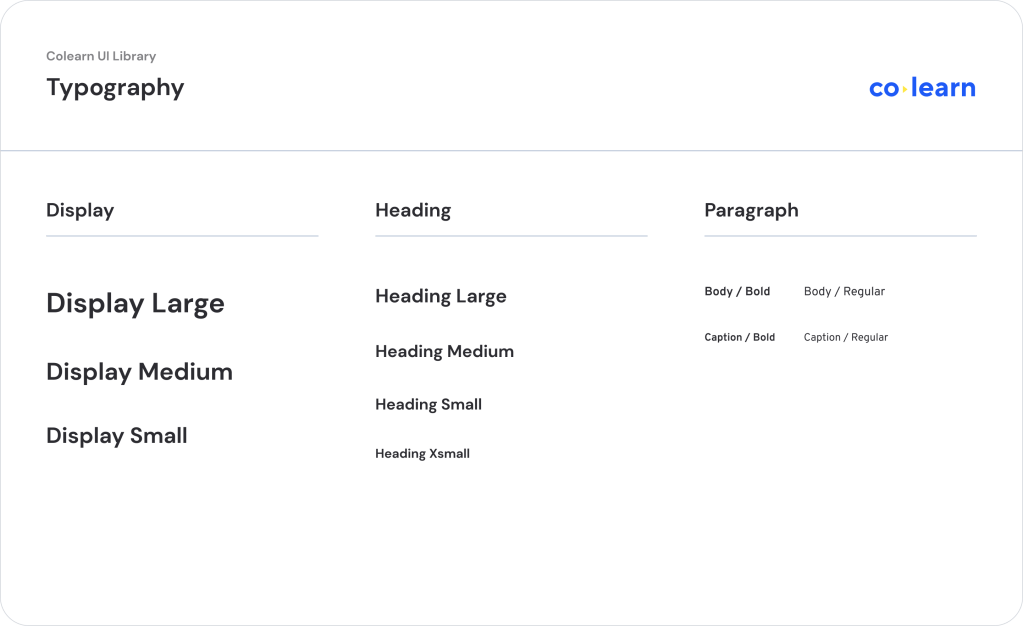
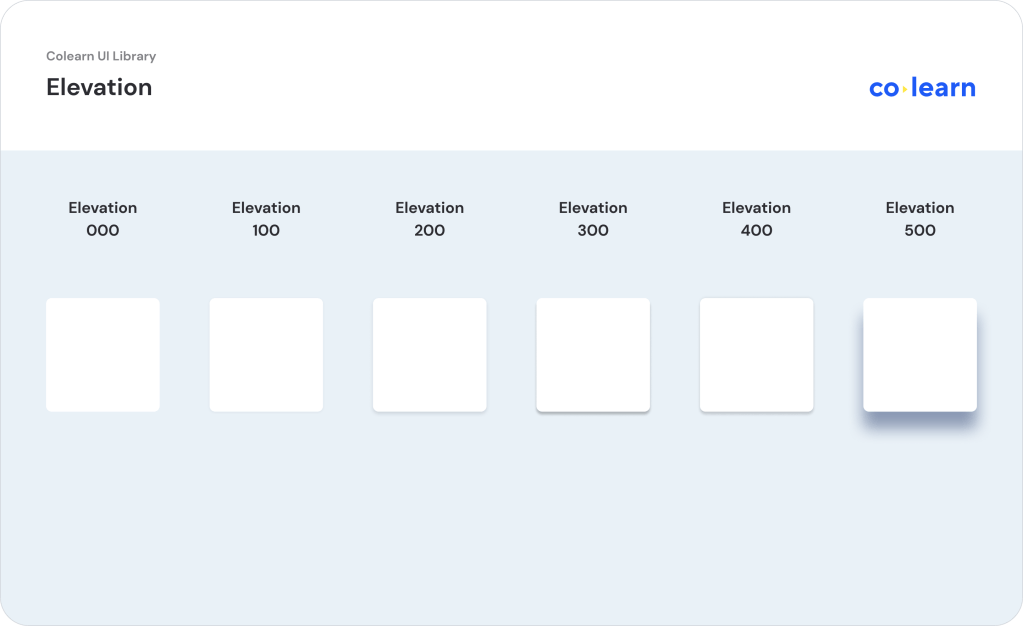
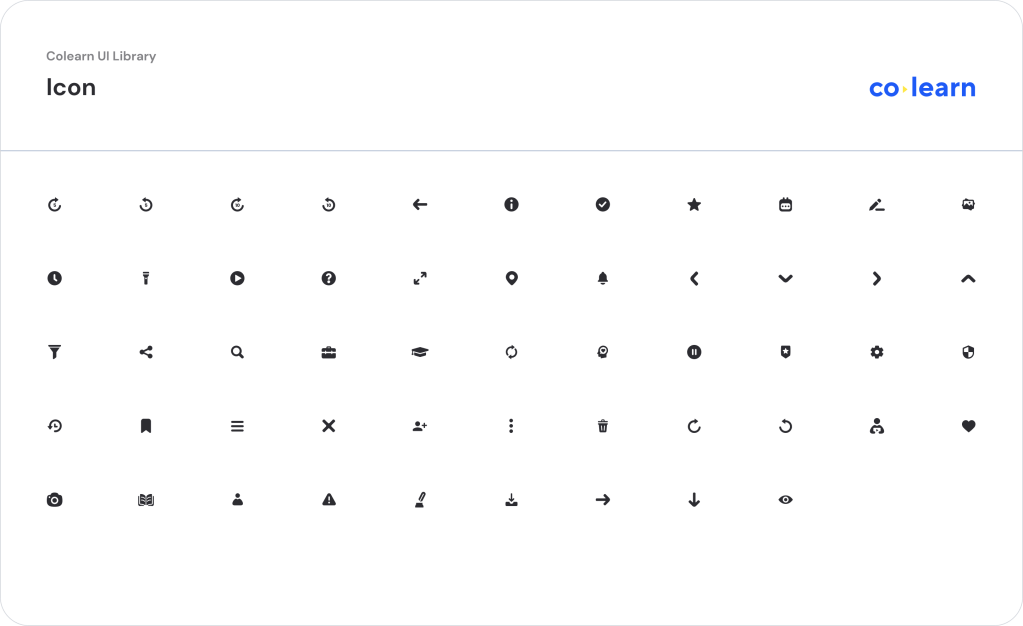
Apart from Foundation, we build the Core UI components such as Avatar, Tag, Button, Form, and Alert. As the app continues to grow, we also create some new components as templates, such as Top Bar, Bottom Bar, and Feedback.
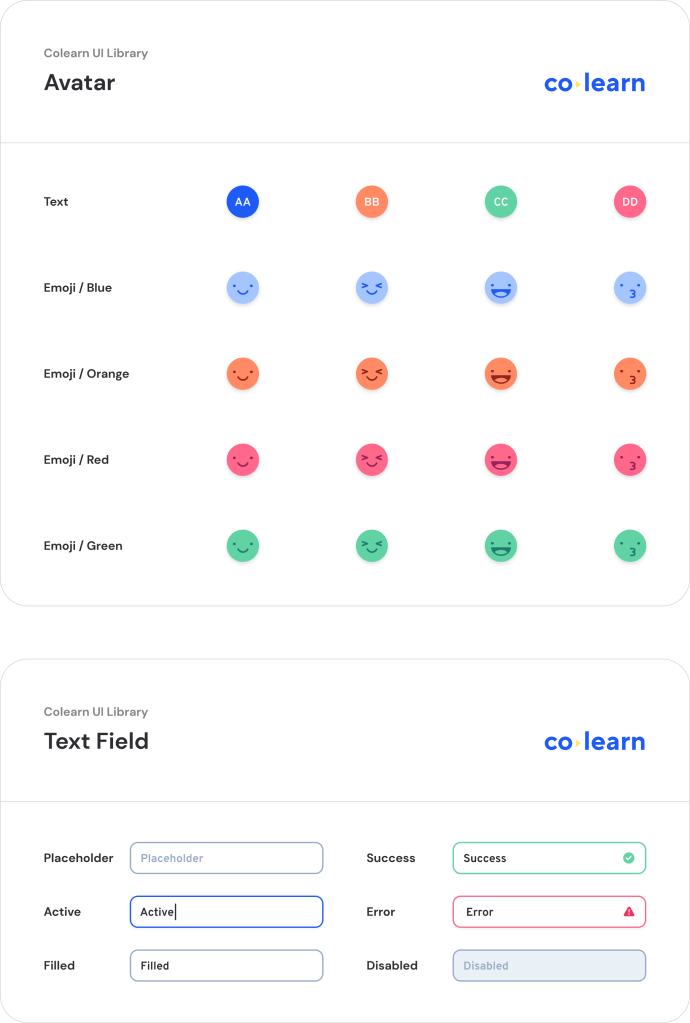
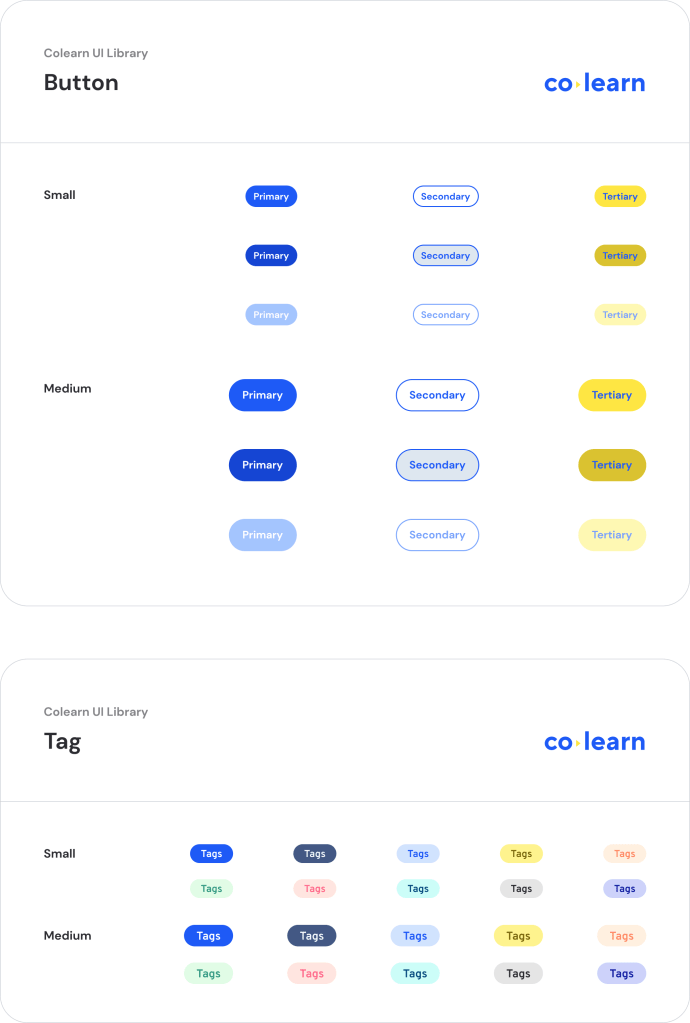
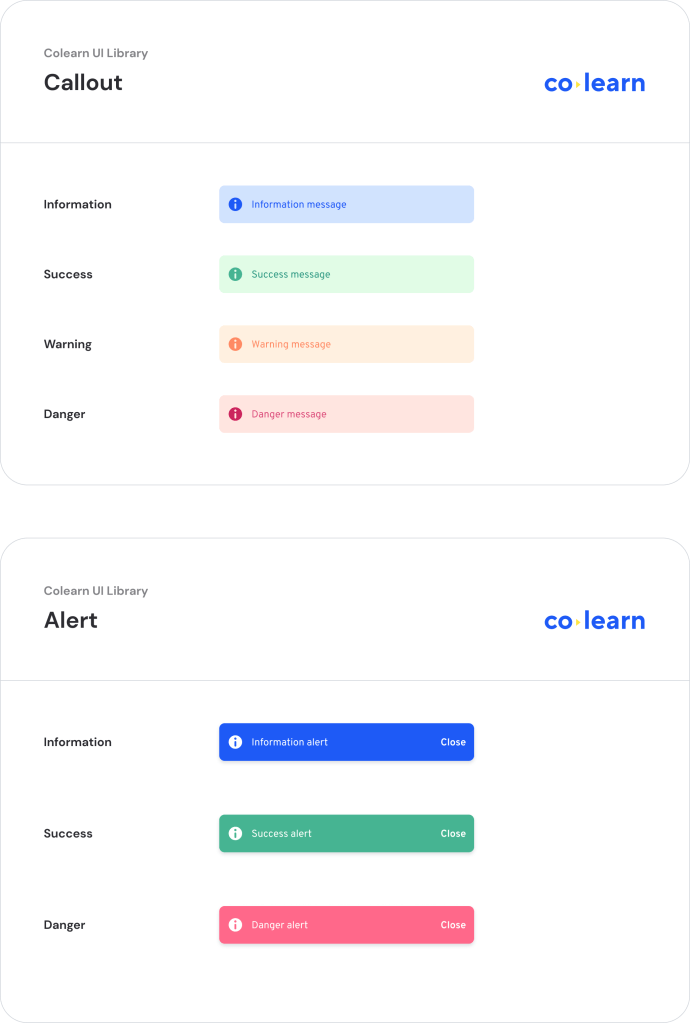
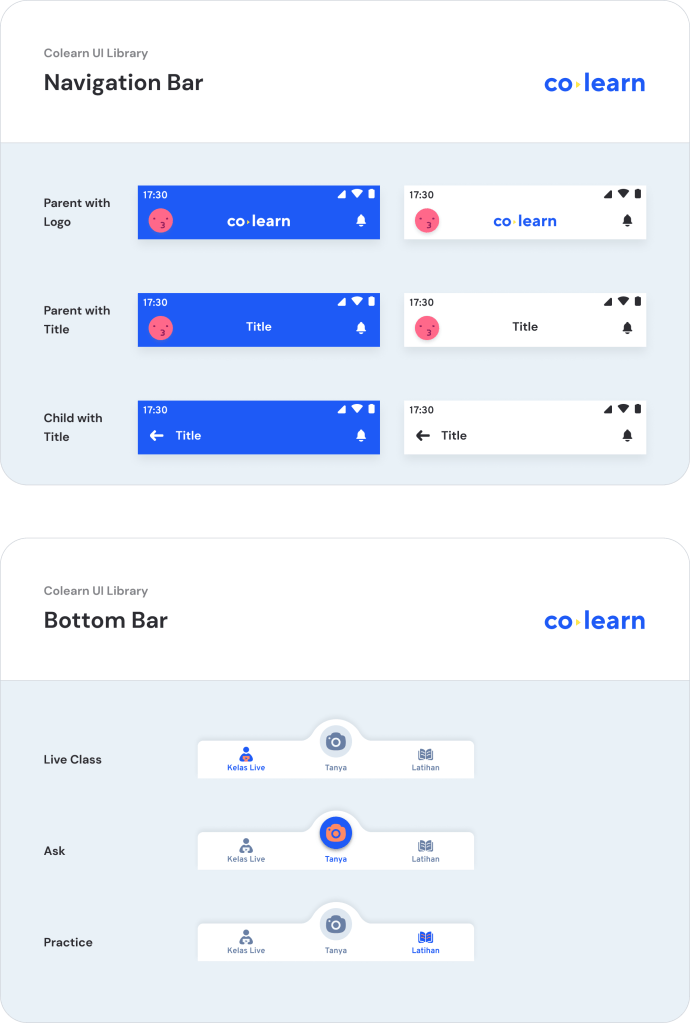
By creating the design system, we want to make it easier for everything. Starting from designers themselves, engineers, and most students who use it.
WhatsApp Chatbot
Increase user growth by bringing it from the most common channels
More than 80% of internet users in Indonesia use WhatsApp. Instead of promoting social media to download the app, we’ve been thinking of creating other channels to increase our user growth.
Collaborating with the UX Writer, we design the WhatsApp chatbot feature. We use the Botsociety for the prototyping to make it easy to testing and share with stakeholders.
🏆 Launch
In August 2020, the new Colearn was launched. After 3 months of my involvement in the transformation, it was great to see the design brought to life and help students learn every day.
Since it was released, the unique student registration growing over 2.5 million as of March 2021.
The most influential impact on success is on students. We’ve got some feedback from the student if they enjoyed and were helped by Colearn.
Amazing! Colearn is very helpful. Besides taking photos of questions, joining the Live Class is definitely fun. Taught basic concepts. Love Mathematics more and more!
Retta, Student
Aaaa, so cool. Colearn helped in doing practice for the UTBK (national exams). The discussion is also digested, then summarized into simple. The video is also short, so it’s not complicated. Satisfied to have an application like this.
Sofiana, Student
 Reza Faiz A Rahman